Common laptop problems: what’s wrong with your laptop?
Pick the symptom that matches. See the usual causes, then book a proper diagnosis.
Laptop repair services in Kandivali West
One workshop for the faults and upgrades laptops run into most.
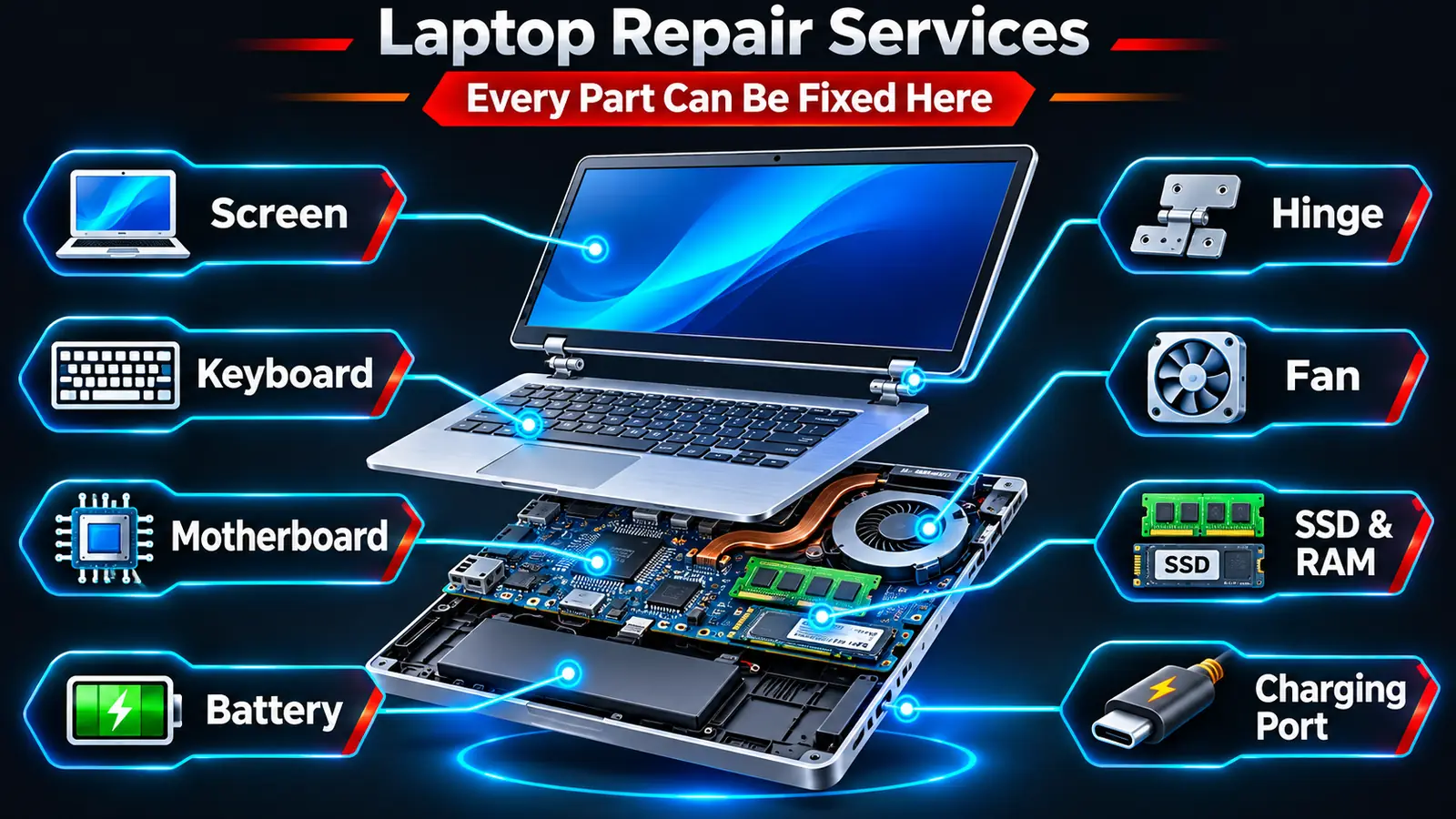
Screen replacement
Cracked, flickering or dead displays
Find moreKeyboard repair
Keys not working, spills, replacements
Find moreBattery replacement
Short backup or not charging
Find moreMotherboard repair
No power, no display, board faults
Find moreCharging port repair
Loose or damaged charging socket
Find moreHinge repair
Loose, stiff or broken hinges
Find moreOverheating & fan
Heat, noise and sudden shutdowns
Find moreSSD upgrade
Faster start-up and everyday speed
Find moreRAM upgrade
More memory for smoother multitasking
Find moreData recovery
Get important files back safely
Find moreSoftware & OS repair
Windows install, drivers, troubleshooting
Find moreVirus & malware removal
Clean-up for slow, infected laptops
Find moreHow laptop repair works: 7 clear steps
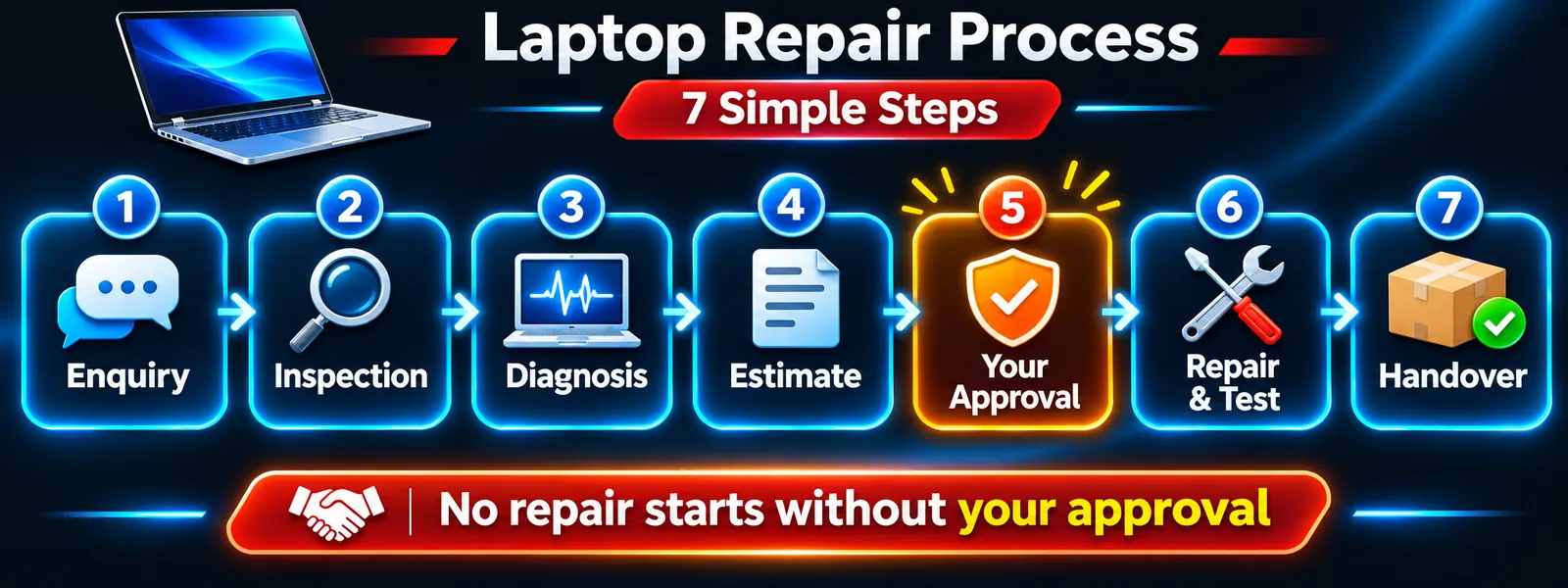
Enquiry
Call, WhatsApp or send the form.
Inspection
We examine the laptop and symptoms.
Diagnosis
We find the real cause of the fault.
Estimate
You get a clear estimate for the repair.
Approval
Work starts only after you say yes.
Repair & test
We fix the fault and test the laptop.
Handover
You collect a laptop that works.
Why choose Aarti Infotech for laptop repair in Kandivali West
Aarti Infotech is a laptop repair and technical service shop on S.V. Road, Kandivali West. You get a clear diagnosis, a clear estimate and a clear say before any work begins.

We find the cause before suggesting a repair.
No repair begins until you have approved the estimate.
We check the laptop works before you collect it.
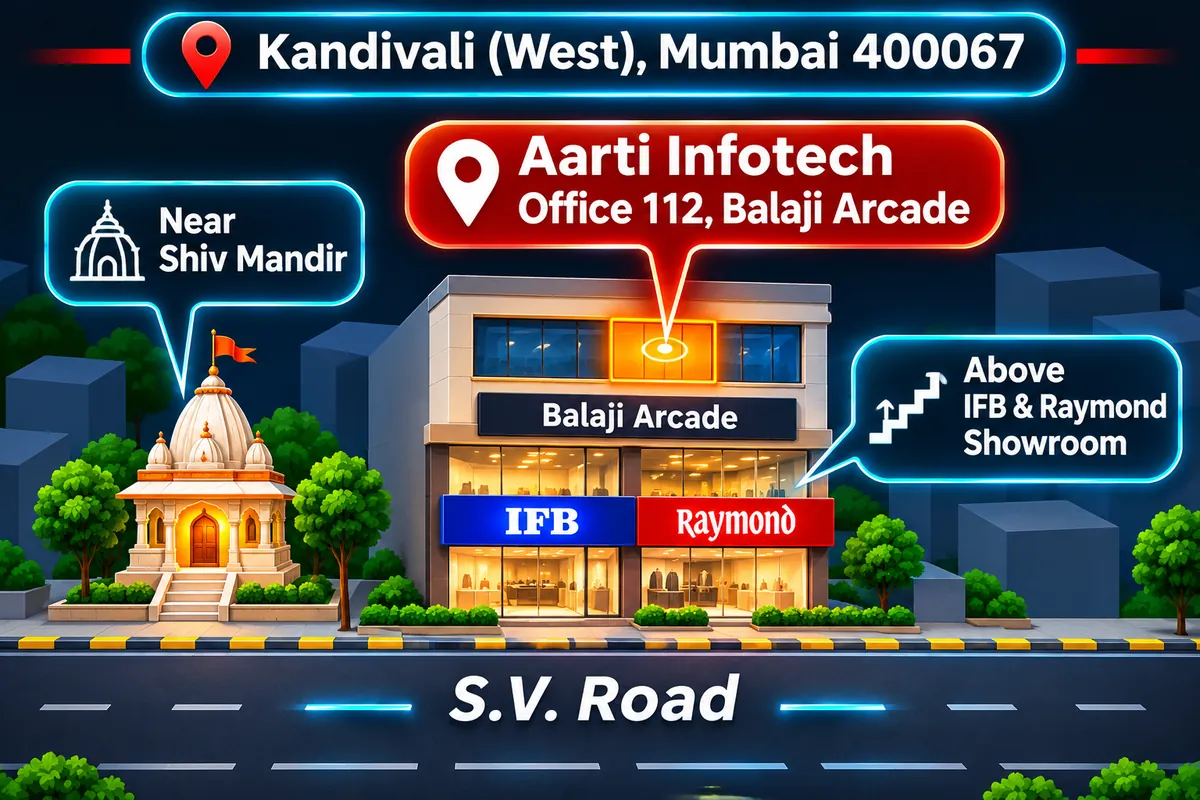
Find us on S.V. Road, Kandivali West.
Tell us the symptoms. We diagnose first and share an estimate before any repair.
How much does laptop repair cost in Kandivali West?
Short answer: it depends on the fault, your laptop model and whether a part is needed. That is why we diagnose first and share an estimate before any repair. You approve it, or you don’t — nothing is repaired without your yes.
What decides the price of a laptop repair
The fault itself
A loose connector, a worn battery and a motherboard fault are very different jobs, so they are priced differently.
Laptop brand and model
Parts and effort vary between models, and some parts are easier to source than others.
Whether a part is needed
Cleaning or a software fix involves no part. A new screen, battery or board does.
Simple or board-level work
Replacing a part is quicker than tracing a fault on the motherboard.
Data and upgrade needs
Protecting files, or adding an SSD or RAM at the same time, changes the scope of the job.
Age of the laptop
On an older laptop the repair has to be weighed against what a replacement would cost.
Is it worth repairing your laptop?
Compare the repair estimate with the price of a comparable new laptop, then look at the fault itself.
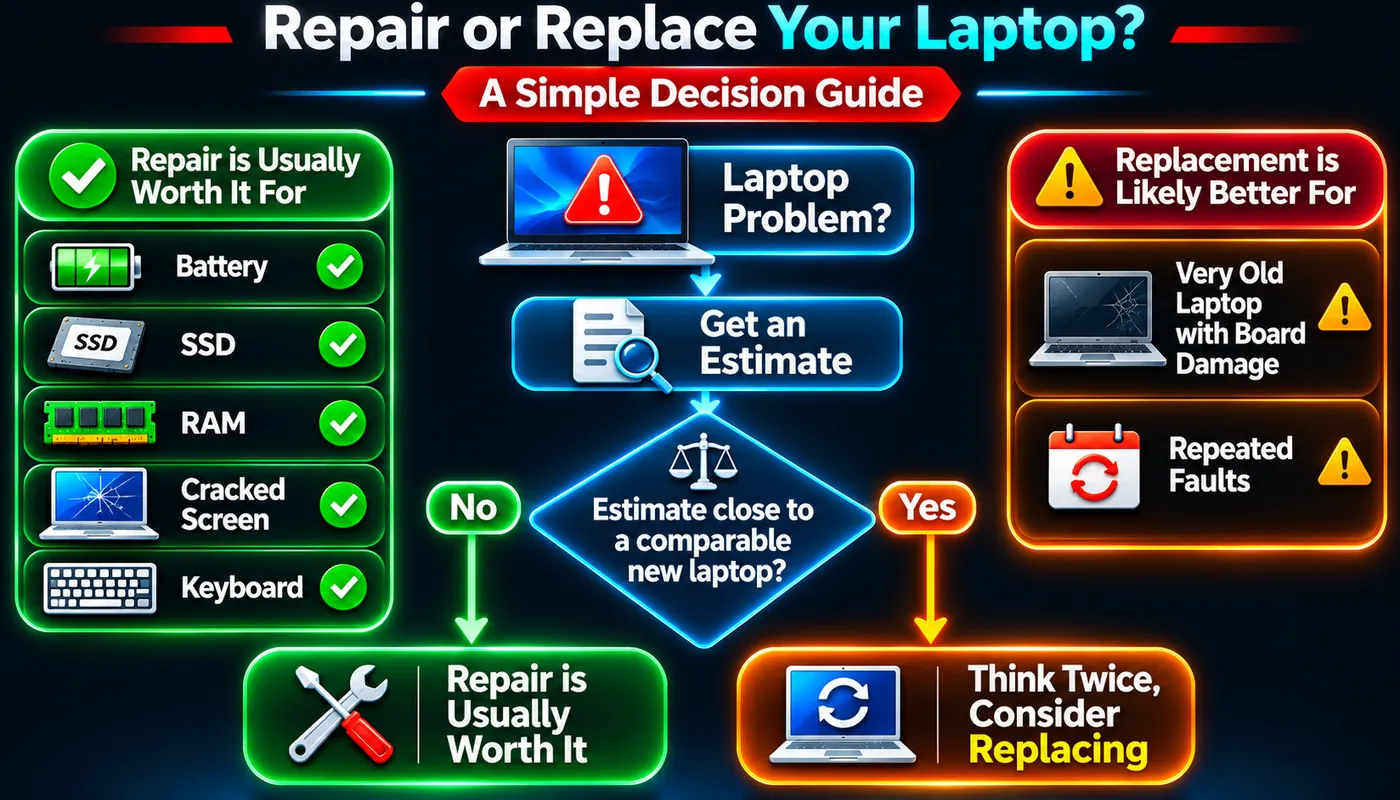
Usually worth repairing
- ✓Battery that no longer holds charge
- ✓Slow laptop that needs an SSD or more RAM
- ✓Cracked or dead screen on an otherwise healthy laptop
- ✓Keyboard or touchpad faults
- ✓Worn charging port or faulty charger
- ✓Overheating from dust or a weak fan
Think twice before repairing
- !The estimate is close to the price of a comparable new laptop
- !A serious motherboard fault on an old laptop
- !The same problems keep coming back
- !The laptop can no longer run the software you need
- !Several parts need replacing at once
Not sure which side your laptop falls on? A diagnosis tells you the real fault and the estimate, and the decision stays with you.
Dell, HP, Lenovo, ASUS, Acer, MacBook & MSI laptop repair
Tell us the brand and model when you enquire. We confirm what can be done before you bring it in.
Before you bring your laptop for repair
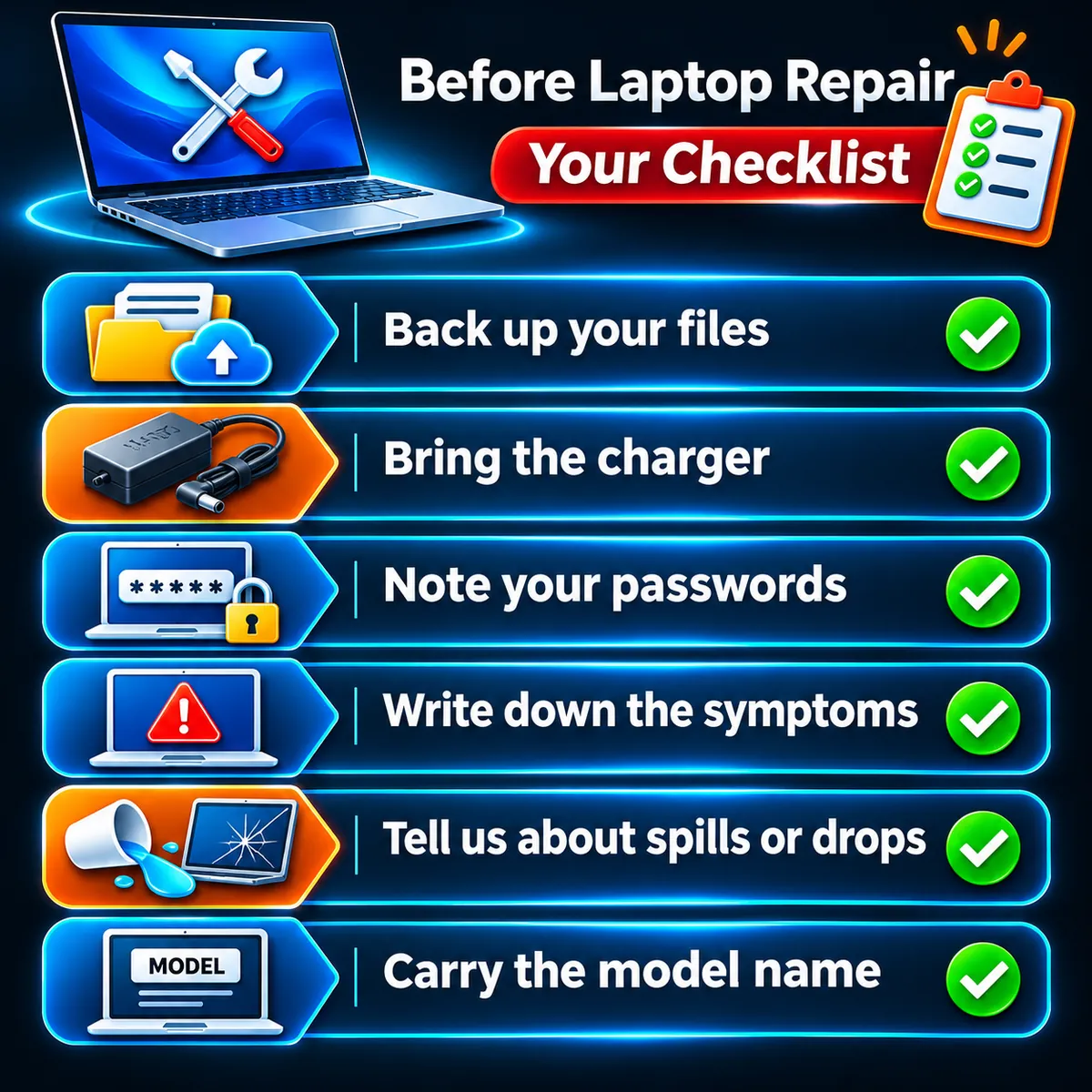
Your pre-repair checklist
- ✓Back up your important files if the laptop still starts.
- ✓Bring the charger that came with the laptop.
- ✓Note any passwords or PINs we may need.
- ✓Write down the symptoms and when they began.
- ✓Tell us about any liquid spill or drop.
- ✓Carry the laptop model name if you know it.
How to choose a laptop repair shop
- ?Do they diagnose before they repair?
- ?Do they share an estimate before starting?
- ?Does work start only after you approve?
- ?Do they explain the fault in plain words?
- ?Do they test the laptop before handover?
- ?Is there a clear local address you can visit?
Laptop repair FAQs: Kandivali West & Mumbai
Book your laptop repair in Kandivali West
Send your laptop details and the problem. We contact you for diagnosis and next steps — no repair starts without your approval.